
LARRYD keeps your agents from going rogue.
Free · for Mac and Linux · works with Claude Code
« Your server has a daemon.
Your agents should have one too. »
An agent is a small program that does one job for you. LARRYD is the free daemon that looks after them, with Claude Code. It gives every agent the right shape. It checks it for problems. It runs it in a sealed space where it can't touch anything it shouldn't.
Install
One line. Pick the one you already have.
Every line installs the same LARRYD, on Mac and Linux. pipx needs Python 3.11 or newer (python3 --version tells you); uv brings its own. Inside a virtual environment, pip install larryd works as usual.
- pipx
pipx install larrydThe safest Python way: LARRYD gets its own space. No pipx yet?
brew install pipx, orsudo apt install pipx. - uv
uv tool install --python 3.12 larrydBrings its own Python, so it works on any Mac or Linux computer. No uv yet?
brew install uv. - start
larrydStarts LARRYD's daemon in this terminal, on 127.0.0.1. Ctrl-C stops it. No sudo.
larryd mcp is the Claude Code connector. Type larryd help any time to see everything it can do. In Claude Code, just say "Install LARRYD for me".
Quantum AI, coming to LARRYD. Our own 8-qubit quantum simulator for Linux, with real-world noise models, as a free download. Models are quantum-trained through the IBM Quantum API (hybrid QAOA, quantum kernels).
Or let Claude Code do it
Just ask
It installs, starts, connects, and builds your first agent alongside you. LARRYD is the Claude Code connector. Type larryd help anytime to see everything it can do. Or simply tell Claude Code: "Install LARRYD for me."
Custom agents start here
Paste this into Claude Code
It installs LARRYD, starts it, connects it to Claude Code, and builds your first agent with you, one step at a time.
I want to install LARRYD on this machine and start building AI agents with you.
Read this whole prompt before you do anything. Then follow the plan, one phase at a time.

═══════════════════════════════════════════════════════════════
WHAT LARRYD IS
═══════════════════════════════════════════════════════════════

LARRYD is a daemon that looks after AI agents. Two things, same name:
- LARRYD Developer: the mini version on my computer. This is where
  I build, with you.
- LARRYD Server: the full version. This is where approved agents run.

LARRYD gives every agent its shape, checks it before it runs
(larryd doctor), and runs it sealed off: no internet, none of my
files, no other programs, one job in and one answer out. Same walls
and same checks on both.

It runs on Mac and Linux (on Windows, use WSL). The daemon listens on
127.0.0.1:5010 (LARRYD_PORT picks another port). Ctrl-C stops it.
No sudo.

═══════════════════════════════════════════════════════════════
THE PLAN
═══════════════════════════════════════════════════════════════

Phase 0: Look around
  Check: python3 --version, uv --version, pipx --version,
  node --version, cargo --version, and whether brew or apt is here.
  Tell me what you found, in a few lines.

Phase 1: Install
  Use the first line that fits what you found:
    pipx install larryd        (needs Python 3.11 or newer)
    uv tool install --python 3.12 larryd     (brings its own Python)
  Then run: larryd --version
  If it shows a version older than 0.1.0, or says the first public
  release is coming, stop and tell me.
  If nothing here can install it, stop and tell me what to install
  first. Don't install anything else on your own.

Phase 2: Start the daemon
  Run larryd as a background process (it keeps running until it is
  stopped). Check that 127.0.0.1:5010 answers. If the port is taken,
  tell me.

Phase 3: Learn the tool
  Read the output of: larryd help
  Connect LARRYD to Claude Code:
    claude mcp add larryd -- larryd mcp
  Tell me if this session needs a restart to see the LARRYD tools.

Phase 4: Brief me, in plain words
  - the one command to start LARRYD again tomorrow
  - how to ask you for a new agent
  Then say "ready" and wait.

Phase 5: The first agent
  When I describe an agent, run larryd new <name>, read the
  instructions it writes for you first, and build it with me.
  Then run larryd doctor <name> and larryd run <name>, and show me
  both results.

═══════════════════════════════════════════════════════════════
RULES
═══════════════════════════════════════════════════════════════

- Read this whole prompt before acting.
- Don't install anything I didn't ask for.
- No sudo unless a step truly needs it, and ask me first.
- If a step fails, stop: say what broke and what you'd try next.
- Short answers. One phase at a time; confirm before moving on.

═══════════════════════════════════════════════════════════════

Start with Phase 0.
LARRYD Developer
Build it on your own machine
Like a mini server on your own computer. Made for Claude Code. Mac and Linux. Except you don’t need to buy any hardware.
What agents can’t do in LARRYD
- REACH THE INTERNET. NO NETWORK AT ALL.
- OPEN YOUR FILES. ONLY ITS OWN FOLDER.
- START OTHER PROGRAMS. NOT ONE.
- CARRY SECRETS. REFUSED BEFORE IT RUNS.
- GO PAST ITS JOB. ONE IN. ONE OUT. TIMED.
Did you know: this panel is shown in the other mode. All of our applications have light mode and dark mode. Plus, all languages are available across the platform. The icons at the top right of every page:
Press them here to try.
Every agent, every run
The operating system builds the walls
LARRYD on Mac
sandbox-execLARRYD on Linux
bubblewrap + seccompIF THE WALLS AREN’T THERE, NOTHING RUNS.
Built on our own stack. LARRYD is the daemon. Every agent is sealed by the operating system's own walls: bubblewrap with a seccomp filter on Linux, sandbox-exec on a Mac. We designed the server architecture in-house and contracted Exxact Corporation (Fremont, CA) to build it. Our AI architect is Christensen Côtéclat, founder of Positive Feedback™, who has worked with the top companies in the world since 1999. Two RTX 6000s. Zero water for cooling.
LARRYD Observe
Monitor your agents on your phone
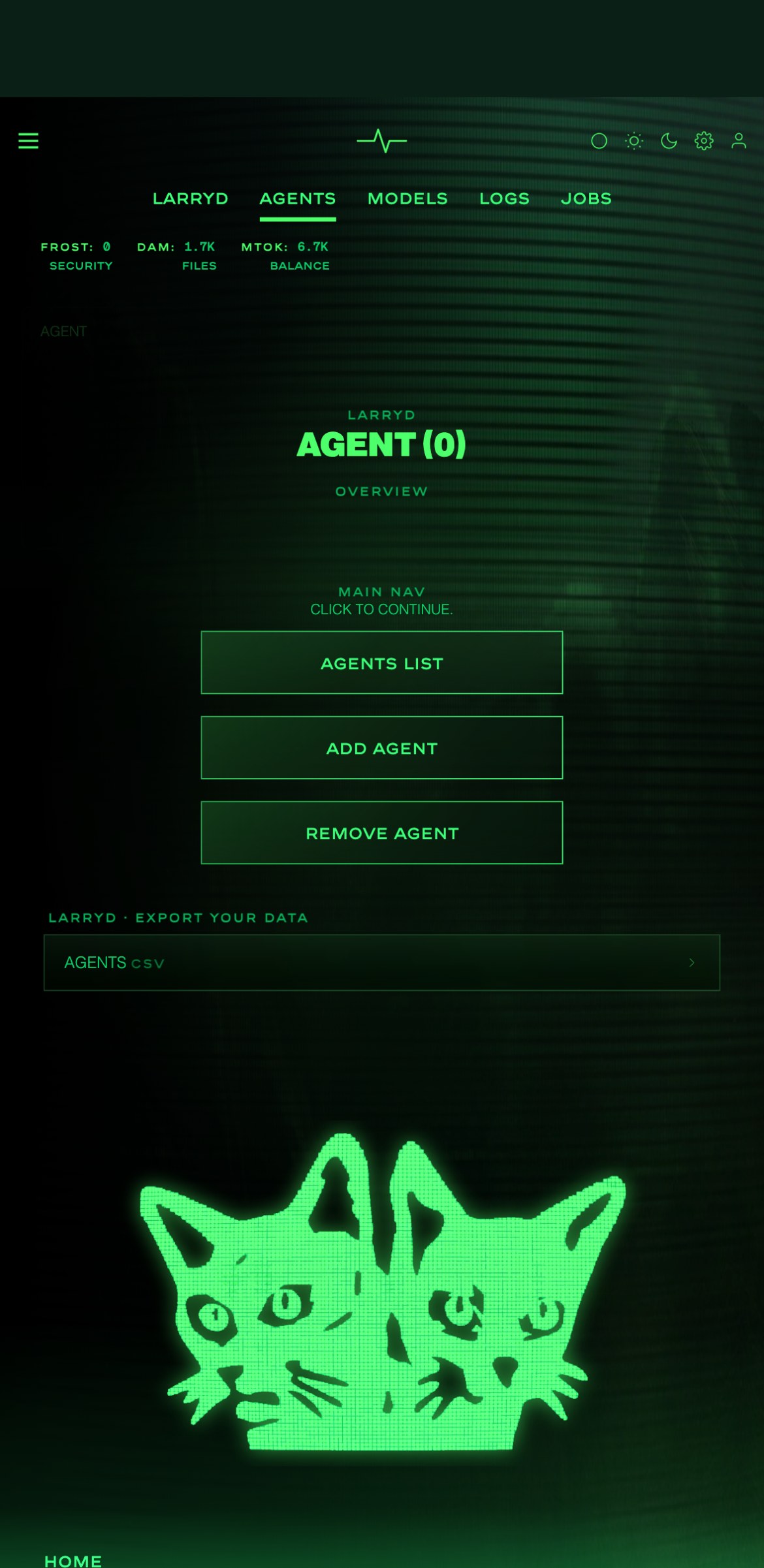
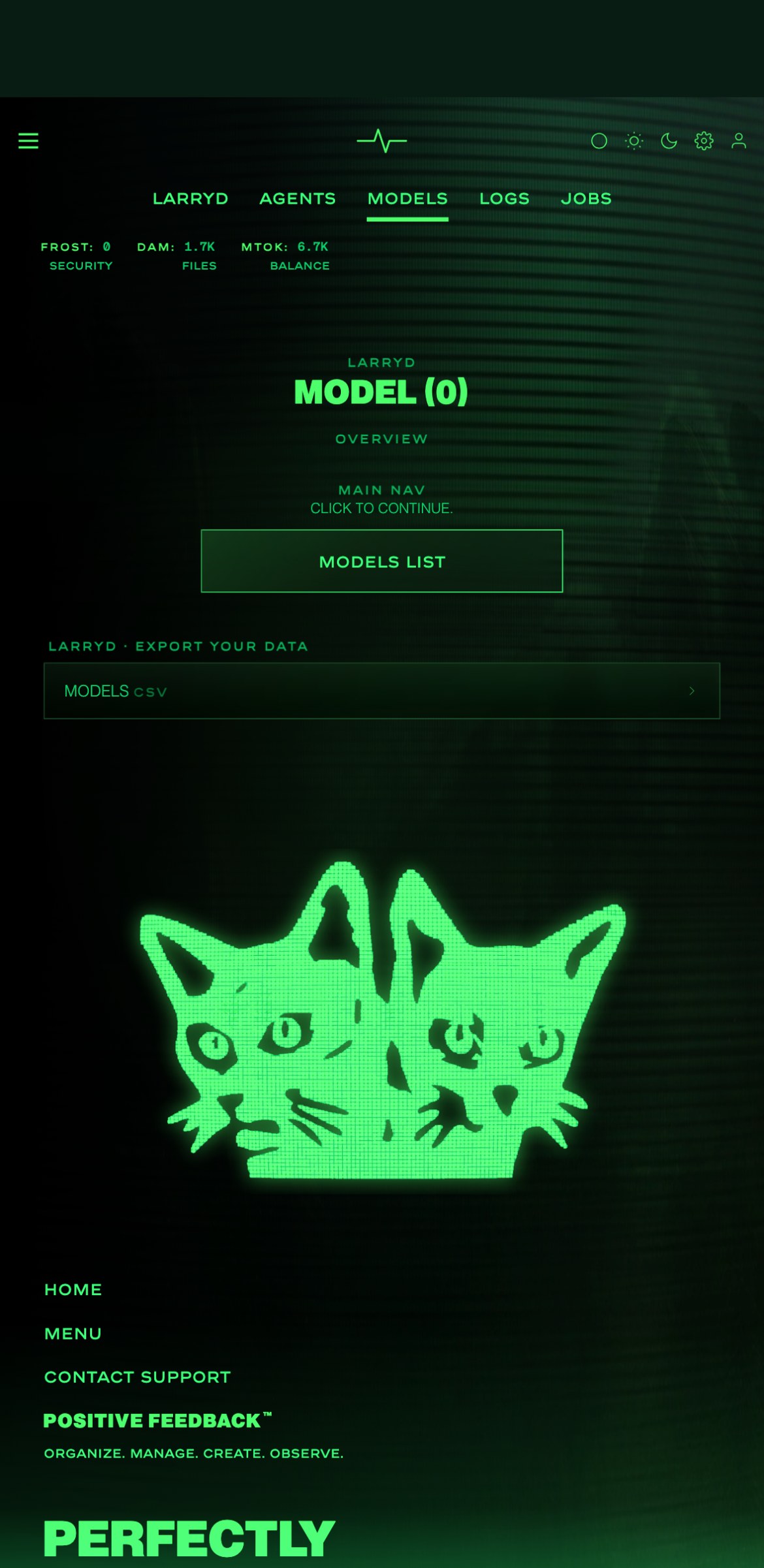
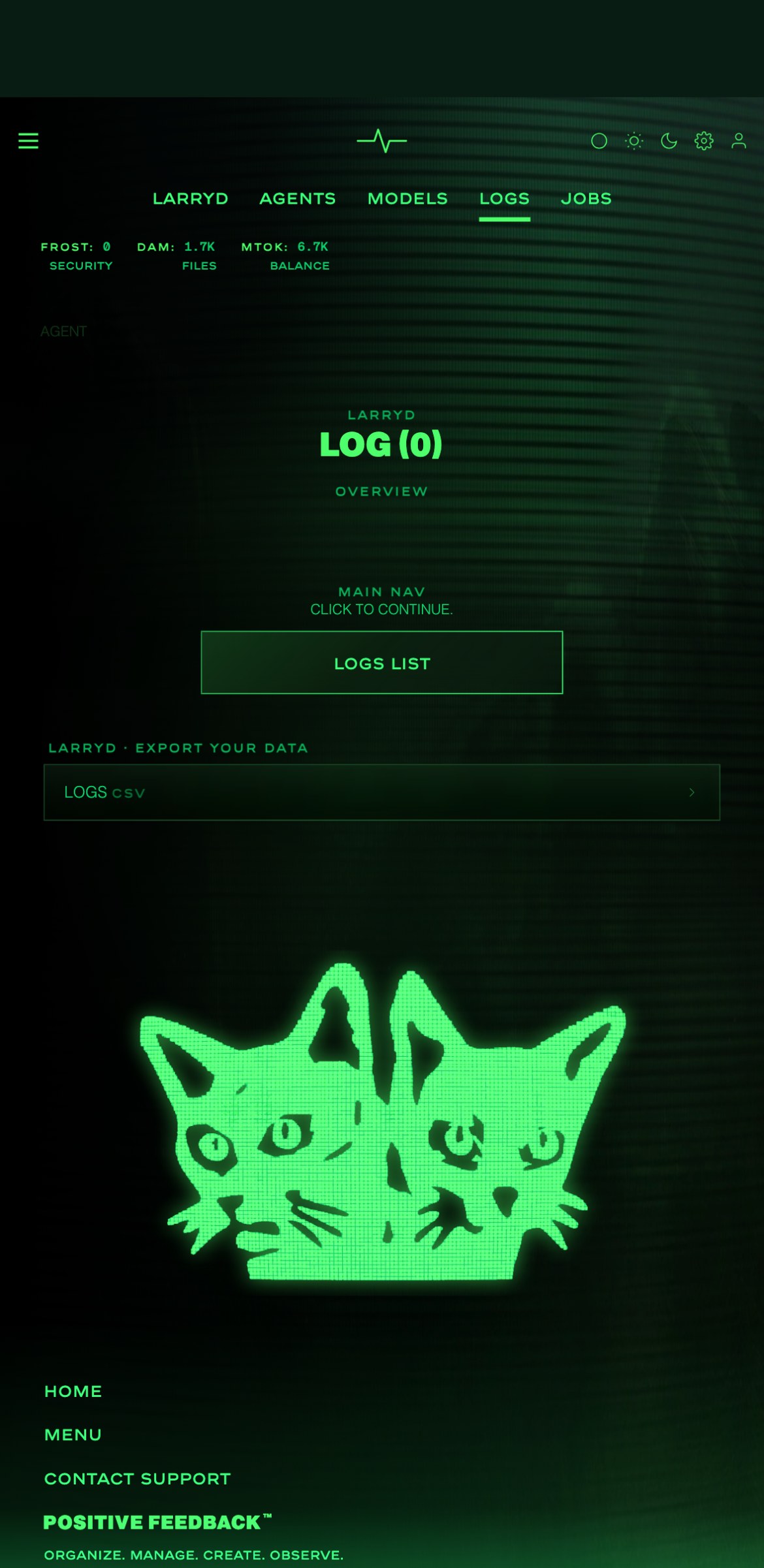
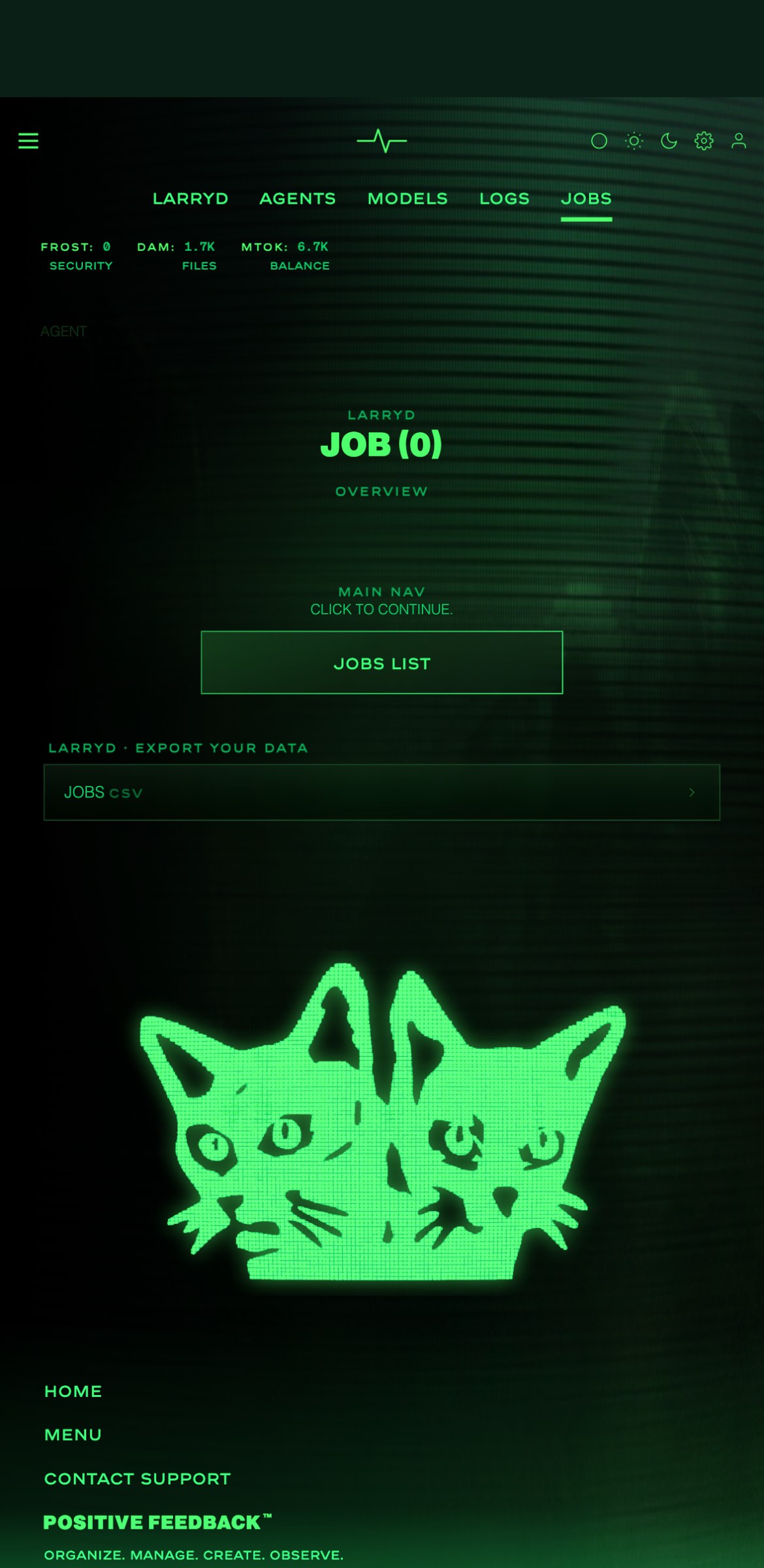
Inside Positive Feedback. The platform starts from scratch (0) and you add the tools you need. Open Observe and the LARRYD page shows the server, every agent on it, and what each one is doing: models, logs, jobs.
Questions? Short answers
For developers (individuals)
- What is an AI agent?
- A small program that does one job for you. You ask, it answers.
- Do I need to know how to code?
- Not much. Claude Code writes it with you, in plain words.
- What does "daemon" mean?
- A program that runs in the background and looks after things.
- Is it really free?
- Yes. Build, check and run on your own computer. No account.
For IT (information technology departments)
- Which computers does it work on?
- Mac and Linux. On Windows, use WSL.
- Where does my agent run when others use it?
- On LARRYD Server, on our platform. Sealed from everything.
- Can an agent reach the internet?
- No. What it needs is handed to it.
- Do you have offline on-site servers?
- Yes. The Civilization Studio, in our lab, run by our team.
LARRYD · Civilization layer
« The free version runs on your laptop. This one runs in a data lab for large movie and game studios. »
QUANTUM TRAINED. UP TO 12K.
- You own it. The hardware is yours. It lives on our servers, in our lab, offline. Your scripts, your footage and your cut never leave the building.
- You don't operate it. Our team runs the machine for you. You join a private session with us on screen, and you direct the work. You never have to touch it, and nobody else can either. That is what keeps it safe.
- Think of a Ferrari XX. A Ferrari XX is not a race car and not a road car. It is a factory experimental car, built for the track only, and it stays with Ferrari. Ferrari keeps it, maintains it, and runs it at private events. The owner never takes it home. They come to the event, Ferrari's team runs the car, and the owner drives. The owner owns the car. They just never get to keep it in their garage. That is exactly how the Civilization Studio works. The machine is yours. It stays with us, where it can be run properly. You join the session. You direct. We run it.TRADEMARK NOTICE. POSITIVE FEEDBACK™ AND COTECLAT LLC DO NOT OWN THE NAMES, LOGOS, OR INTELLECTUAL PROPERTY OF FERRARI S.P.A. FERRARI AND FERRARI XX ARE TRADEMARKS OF FERRARI S.P.A., WHICH IS NOT AFFILIATED WITH, AND HAS NOT ENDORSED OR SPONSORED, POSITIVE FEEDBACK™ OR THE CIVILIZATION STUDIO. THE FERRARI XX IS NAMED ONLY AS A COMPARISON OF HOW THE STUDIO IS KEPT AND RUN. EXXACT IS A TRADEMARK OF EXXACT CORPORATION, WHICH BUILT OUR SERVER HARDWARE UNDER CONTRACT. NVIDIA AND RTX ARE TRADEMARKS OF NVIDIA CORPORATION. IBM AND IBM QUANTUM ARE TRADEMARKS OF INTERNATIONAL BUSINESS MACHINES CORPORATION.
- You get a seat, not a login. There is no account, no dashboard, no remote access. Just a private meeting where the work happens, with you in the room.
- Offline, on your own machines. Nothing calls out. What an agent needs is handed to it. Where the operating system's walls are missing, nothing runs.
- Quantum AI. Your model is quantum-trained. The studio trains on IBM quantum hardware through the IBM Quantum API: hybrid QAOA, quantum kernels, seeds and training. That is where the Class III agents come from, the ones that do skin texture and live video editing. Quantum-native integration is built into the daemon itself, and our own quantum simulator for Linux is coming to LARRYD as a free download.
| Relying on an API | The Civilization Studio | |
|---|---|---|
| Communication | Third-party messaging and video calls, on the open internet. | Our very own Virtual Wire: private messaging, video conference and screen share inside the lab, with no outside third party. Only for you. |
| On-premises AI | The vendor's hardware, in the vendor's cloud. | You own the hardware, GPUs included. Open-weight models run locally on it. |
| Data sovereignty and control | Your data travels to the vendor. | Your data, your models and your footage stay on your own machine. You decide what is kept, changed and deleted. |
| Operational stability | The vendor can change the model version under you. | You choose exactly which model version runs. It never changes unless you change it. |
| Rapid development, unstructured compute | You build around a fixed product. | An unstructured lab: the model, the core engine, the data structure and the application can be changed in real time, as you wish. |
- Multi-tenant (traditional infra world)
- Multiple customers safely share the same infrastructure while their data and workloads stay isolated and protected from each other.
- Single-tenant (Civilization world)
- You are the only ones on the machine, with your own storage and no outside connections except the private screen share. Cross-tenant isolation is not the concern.
| Traditional infra world | Civilization world | |
|---|---|---|
| Cluster | A set of machines working as one system. | A full cluster of machines working as one system, like anyone else, plus▸ one isolated machine at the top: the Data Lab (CIVILIZATION). It is the whole Civilization world. The security boundary is the machine itself. It sits with the cluster but stands at the top of the hierarchy, alone. Nothing connects it to the other machines or to anything below it.Why we do this:Communication: our own Virtual Wire, no outside third party.On-premises AI: your hardware, local models.Data sovereignty: your data stays on your machine.Operational stability: your model version, never changed for you.Rapid development: change anything (the LLM, core engine, application, data structure), in real time. |
| Head node | Routes work, manages the cluster. | LARRY LLM, at the head of the cluster. |
| Node | A single server. | A small model per node: a clean setup. |
| Orchestrator | Coordinates the work: what runs, in what order, and what happens when something fails. | The orchestrator LLM: it plans each workflow and keeps it going. It runs on its own services machine, so if parts go down, the whole thing does not. |
| Runtime / daemon | Runs and manages the nodes. | LARRYD, our own Linux daemon. |
| Worker nodes | Run the actual jobs. | The LLM nodes themselves: each one runs the jobs sent to it, on its own small model. |
| Scheduler | Places each job on a node with free capacity. | With one small model per node, it sends each job to the node that holds the model the job needs. |
| Job | A unit of work. | A container holding one agent, its logs and its virtual wires. Each agent is based on a real human role. |
| Interconnect | How nodes talk. | A message bus. |
| Databases | Structured, queryable, long-lived. | Deterministic, with AI-generated tables only. Self-healing, no joins. |
| Files / objects | Small, portable units. | .DAM files: each one a small, self-contained unit with its own key, that can be moved and combined like a building block. |
| Logs / journal | A record of what happened. | Its own AI species: a journal of each workflow, step by step. |
| Bare metal | An empty machine, ready to be set up. | An empty machine with one thing on it, the AI Atom Shell: the same empty container everywhere, which each job fills. |
| CPU | Threadripper PRO 7955WX |
| RAM | 503 GB |
| NVIDIA GPU 1 | RTX 6000 PRO |
| NVIDIA GPU 2 | RTX 6000 PRO |
| Architecture | Blackwell |
| VRAM | 196GB GDDR7 |
| CUDA | 13.1 |
| Kind | Internal, private DA-M drive |
| Capacity | 144 TB |
| Made for | Movies · Games |
| Project | Single-tenant volume, one project |
| Shared | Never |
CPU, AMD Ryzen Threadripper PRO 7955WX: 16 cores, 32 threads, 4.5 GHz base / up to 5.3 GHz boost, 64 MB L3 cache, 350W TDP. AMD official specifications.
GPU, 2× NVIDIA RTX PRO 6000 Blackwell (Server Edition): 96 GB GDDR7 with ECC per card, 192 GB pooled VRAM. NVIDIA Server Edition · RTX PRO 6000 family.